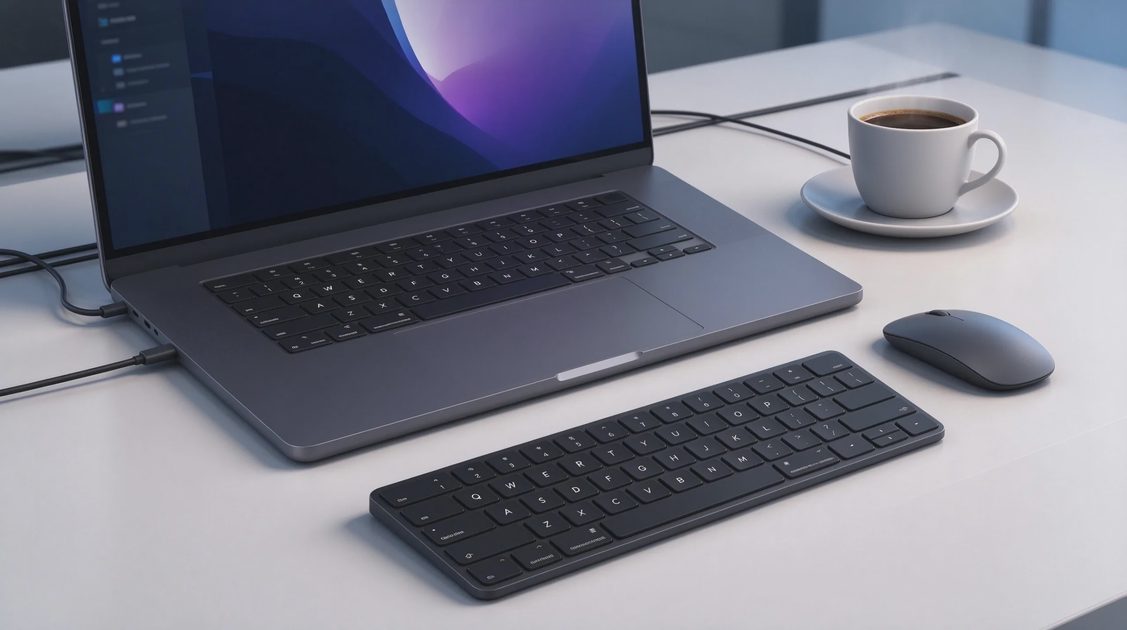
Six months ago, I set up an ASUS laptop featuring a Lumina OLED panel as my main daily driver on the workshop bench. Like many long-time PC builders and technical professionals, I entered this long-term test with healthy skepticism regarding Organic Light Emitting Diode technology in laptops. The spec sheet promises infinite contrast ratios and stunning HDR colors, but real-world owners worry about static image burn-in, aggressive battery drain, and reflective screen glare. Here is what six months of continuous daily use actually revealed about Lumina OLED durability.
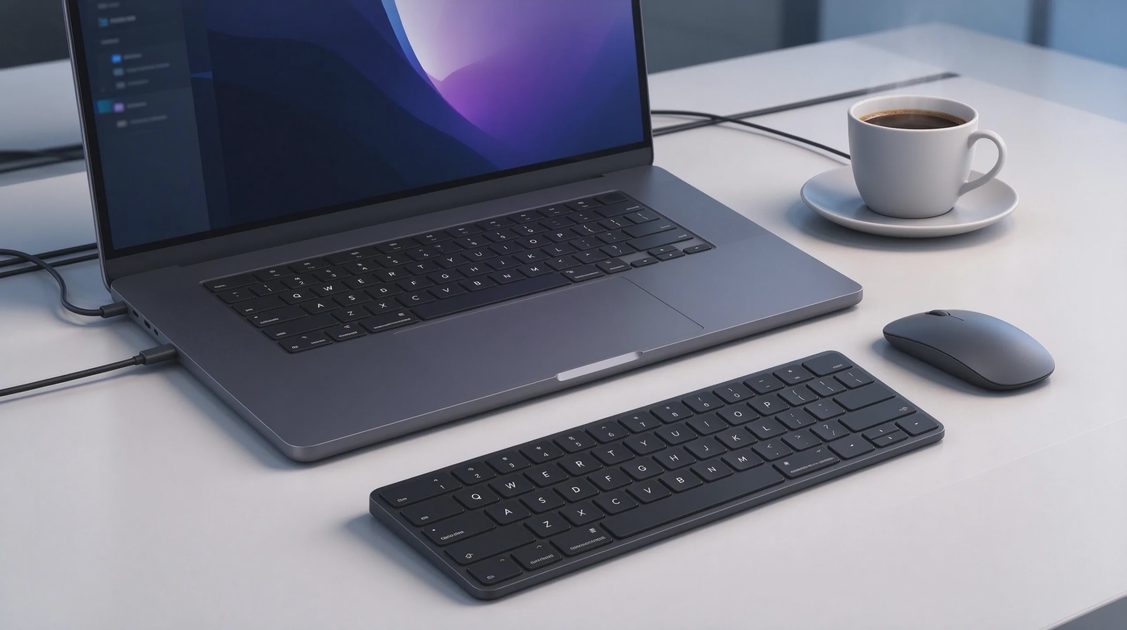
Confronting OLED Burn-In Anxiety: Six Months of Stress Testing
Burn-in anxiety remains the single largest hesitation preventing buyers from upgrading to an OLED laptop. The idea of permanent ghost images—such as a static Windows taskbar, browser bookmarks bar, or editing software timeline—etched into a multi-thousand-dollar display keeps many users anchored to older IPS LCD screens. To evaluate whether this fear is justified on modern hardware, I subjected our Lumina OLED test panel to aggressive, static daily workloads.
Over six months of continuous testing, the laptop was driven for eight to ten hours every day, running coding environments, browser windows, and spreadsheet documents with static interface elements. We intentionally left default Windows taskbars visible and maintained high screen brightness levels throughout standard working hours. We periodically ran full-screen color uniformity sweeps using blue, green, red, and 5% gray test patterns to check for sub-pixel degradation.
The results after six months were flawless: zero ghosting, zero image retention, and perfect color uniformity across the entire panel surface. Modern Lumina OLED displays employ advanced sub-pixel mitigation techniques—such as subtle pixel shifting, automatic static logo dimming, and background pixel refresh sweeps—that run silently during idle periods. These hardware-level protection routines have effectively rendered burn-in a non-issue for modern, normal laptop ownership.
Color Accuracy, Gamma Calibration, and Lumina Pro Standards
Color performance is where Lumina OLED technology completely distances itself from traditional IPS displays. The panel covers 100% of the DCI-P3 cinematic color space and achieves factory-calibrated Delta E color accuracy metrics below 1.0 out of the box. For video editors, photo retouchers, and graphic designers, this means the colors you view on screen match exact broadcast and print standards without requiring expensive external colorimeters.
Because individual OLED pixels emit their own light and turn off completely to display absolute black, contrast ratios are effectively infinite. Dark scenes in high-bitrate movies or shadow details in games look stunning, completely free of the distracting grey backlight bleed and glowing corners typical of traditional LCD screens. Highlights pop with vibrant intensity alongside deep blacks, creating incredible image depth.
Furthermore, ASUS includes software color profile toggles inside the companion app, allowing users to switch dynamically between sRGB, DCI-P3, Display P3, and Native color spaces depending on their current workflow. If you are editing web graphics that require strict sRGB compliance, a single click clamps the wide color gamut accurately, preventing oversaturated skin tones and blown-out reds. It delivers professional-grade color versatility straight out of the box.
SDR and HDR Peak Brightness in Real-World Workspaces
Peak display brightness dictates whether a laptop remains usable when working near sunlit coffee shop windows or bright office lighting setups. Marketing spec sheets love to advertise massive peak HDR brightness figures—such as 500 or 600 nits—which can mislead buyers into thinking the panel maintains that blistering intensity across the entire screen all day long. Understanding the difference between full-screen SDR brightness and localized HDR highlights is crucial.
In standard SDR (Standard Dynamic Range) mode, which you use for 90% of daily desktop tasks, the Lumina OLED panel maintains a sustained full-screen brightness of roughly 400 nits. This provides comfortable visibility indoors and handles moderate ambient light easily. However, because OLED panels use glossy glass surfaces to maximize color punch, working outdoors in direct sunlight still creates noticeable reflections that require careful screen positioning.
When you toggle HDR mode on for supported movie streaming or gaming, the display unlocks localized peak brightness bursts reaching up to 600 nits across small highlight areas. Fire explosions, specular highlights, and bright sunlight breaking through clouds gleam with astonishing realism against dark backgrounds. The dynamic range transforms movie watching into a true mini-theater experience that no traditional LCD panel can match.
Battery Life Realities: Dark Mode Versus Light Mode Power Draw
Display power consumption on an OLED panel operates on a completely different physical principle than traditional backlit LCD screens. On a standard LCD screen, the LED backlight consumes the exact same amount of electricity whether displaying a pure white document or a completely black image. On an OLED panel, every individual pixel draws power independently based on the color and brightness it is asked to output.
Displaying pure white requires every red, green, and blue sub-pixel to illuminate at maximum power, driving total screen power draw significantly higher. Conversely, displaying absolute black shuts pixels off completely, dropping display power consumption down to near zero. During our workshop power measurements, running Windows in full Light Mode drained the laptop battery up to 30% faster than running identical apps in dark mode.
To maximize your unplugged battery runtimes on a Lumina OLED laptop, adopting dark mode themes across your operating system, web browser, and creative software is essential. To show how theme selection impacts power draw and runtime, the following table breaks down battery life across different daily workflows over our six-month test:
Workflow & Theme Setup | Display Brightness Level | Average Board Power Draw | Tested Battery Runtime (75Wh Cell) |
System Light Mode (Docs & Web) | 80% SDR Brightness | 14.2 Watts | 5.2 Hours |
System Dark Mode (Docs & Web) | 80% SDR Brightness | 9.8 Watts | 7.6 Hours |
HDR Video Playback (Cinematic) | Auto HDR Peak (600 nits) | 16.5 Watts | 4.5 Hours |
Coding & Editing (Dark Theme) | 50% SDR Brightness | 7.5 Watts | 10.0 Hours |
By maintaining a dark theme across your apps and keeping SDR brightness around 50% indoors, you can easily achieve eight to ten hours of continuous productivity. Embracing dark themes allows you to enjoy stunning visual contrast while enjoying excellent unplugged battery life.
Text Clarity, Sub-Pixel Layouts, and Eye Comfort
Text rendering on early OLED laptop screens occasionally drew criticism from software developers and writers who noticed minor color fringing around small black text on white backgrounds. This issue stemmed from non-standard sub-pixel arrangements that interacted awkwardly with Windows ClearType font smoothing algorithms. Addressing how current Lumina OLED panels handle heavy reading and writing workloads is essential for text-focused users.
Modern Lumina OLED panels utilize refined sub-pixel layouts alongside high pixel densities—typically 2.8K or 4K resolutions on 14-inch and 16-inch screens—that make individual pixels invisible to the naked eye. At these high pixel densities, crisp text renders smoothly without distracting red or green color fringes along character edges. Writing documentation, scrolling through code repositories, and reading long articles is comfortable and sharp.
Eye comfort over long workdays is another area where OLED technology excels. Lumina OLED panels emit up to 70% less harmful high-energy blue light compared to traditional LCD screens, helping prevent eye strain and fatigue during late-night editing sessions. Combined with flicker-free DC dimming technology at medium-to-high brightness levels, the display remains easy on your eyes throughout grueling work sessions.
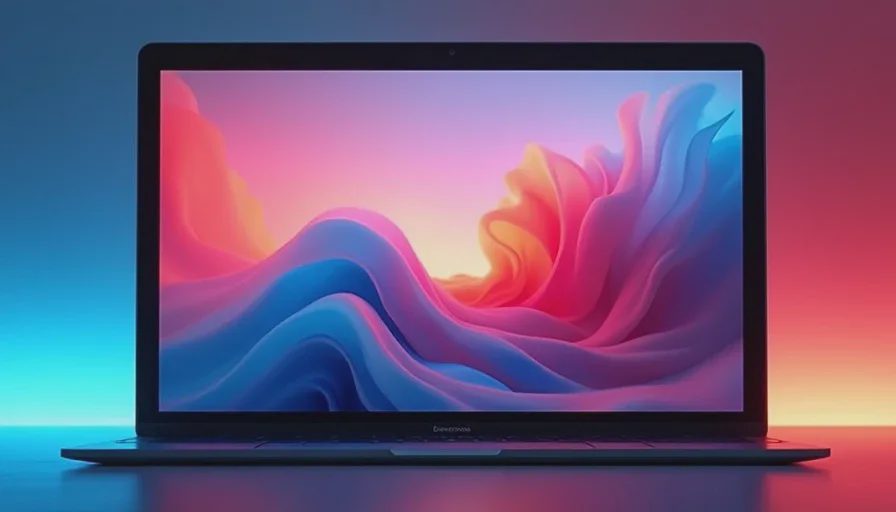
Final Verdict: Is Lumina OLED Ready for Mainstream Buyers?
After six months of continuous real-world testing on the workshop bench, the verdict is a resounding yes: ASUS Lumina OLED technology is fully mature and ready for mainstream buyers. Built-in burn-in protection features have effectively mitigated long-term image retention concerns, allowing you to use your laptop normally without constant anxiety.
The trade-offs—such as glossy screen reflections in direct sunlight and higher power draw when using bright white themes—are minor compared to the incredible visual benefits. The infinite contrast ratios, absolute black levels, cinema-grade color accuracy, and reduced blue light emissions deliver a visual experience that makes traditional LCD laptops feel outdated.
The spec sheet highlights the technical parameters of Lumina OLED, but six months of daily use proves its transformative quality. If you value vibrant visual fidelity, color precision, and cinematic contrast, upgrading to a Lumina OLED display is one of the most satisfying decisions you can make for your workspace.

No signals yet — transmit the first.