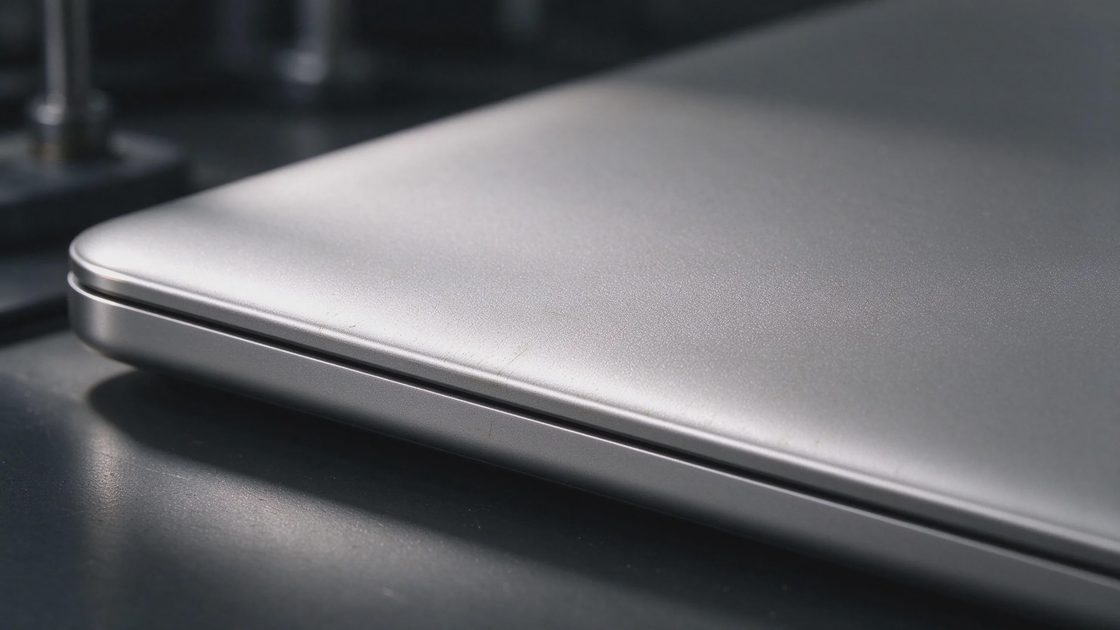
Down here in my Boise workshop, I have seen plenty of laptop chassis materials come and go—from flimsy plastics that creak after three months to anodized aluminum shells that collect greasy fingerprints the moment you take them out of the box. When ASUS introduced Ceraluminum across their Zenbook and ProArt lineups, the marketing materials claimed a revolutionary breakthrough combining ceramic warmth with metal strength. The spec sheet tells you what a new material promises on paper, but daily ownership determines whether it survives real life. Let’s strip away the corporate buzzwords and look at what Ceraluminum actually offers.
The Materials Science Behind Ceramic-Aluminum Bonding
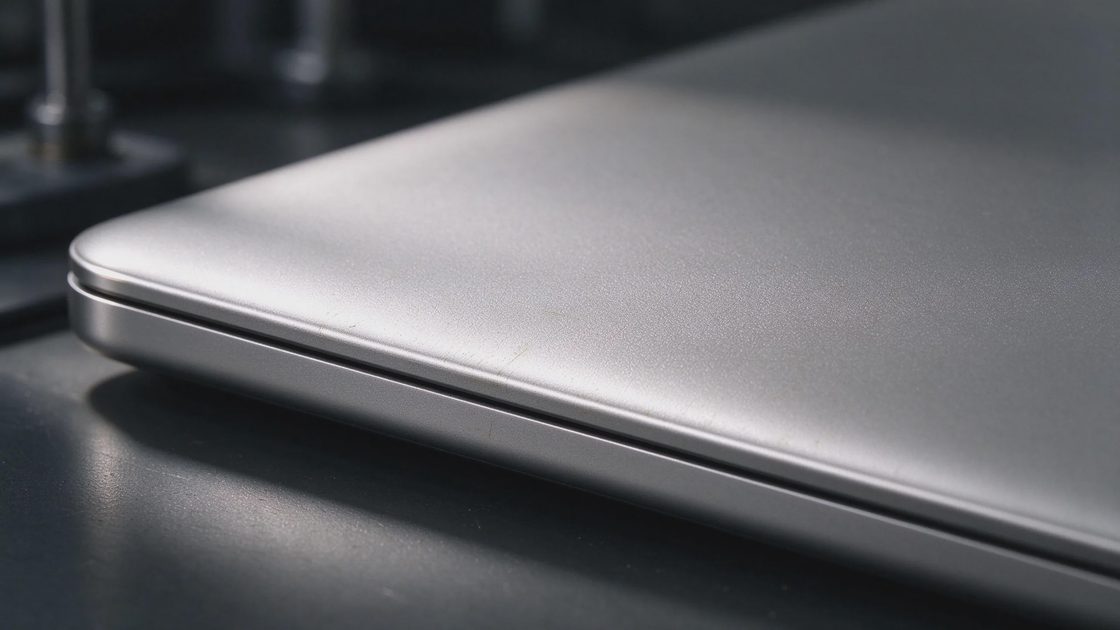
To understand what Ceraluminum actually is, we have to look past the fancy naming and examine the chemical engineering process used to create it. Ceraluminum is not a cheap spray-on ceramic coating or a temporary paint layer applied over standard aluminum. Instead, it is created through an advanced electrochemical process known as Plasma Electrolytic Oxidation (PEO), which fundamentally alters the surface layer of the aluminum alloy itself.
During this specialized manufacturing process, aluminum sheets are submerged in a liquid electrolyte bath and subjected to high-voltage electrical discharges. Micro-arc plasma flashes ceramicize the outer microscopic layers of the metal, transforming raw aluminum into a dense, crystalline ceramic oxide matrix. Because the ceramic layer grows directly out of the base metal rather than sitting on top as a separate film, it cannot chip, peel, or flake off under mechanical stress.
This molecular fusion results in a hybrid material that retains the structural flexibility, light weight, and high thermal conductivity of aluminum while gaining the extreme scratch resistance, tactile warmth, and matte finish of technical ceramics. It represents a genuine evolution in laptop chassis manufacturing, solving several long-standing design trade-offs that have plagued premium ultrabooks for over a decade.
Tactile Experience and Everyday Ergonomic Comfort
The first thing you notice when picking up a Ceraluminum laptop in the workshop is how drastically different it feels compared to standard machined aluminum. Traditional anodized metal laptops feel cold, slippery, and metallic when you pick them up on a chilly morning, often picking up noticeable oil smudges from your fingers within minutes. Ceraluminum, by contrast, presents a matte, slightly textured surface that feels surprisingly organic and warm to the touch.
This unique tactile warmth makes resting your palms on the keyboard deck during long typing sessions far more comfortable. The micro-porous ceramic texture provides a natural, non-slip grip when carrying the laptop between meeting rooms or tossing it into a backpack. You don't get that nerve-grating feeling of sliding sweaty hands across a cold sheet of glass or bare metal while typing up technical documentation.
Furthermore, the natural matte aesthetic completely eliminates distracting light reflections when working near bright office windows or under harsh overhead studio lighting. The material absorbs light evenly, giving the laptop a muted, minimalist appearance that looks professional without relying on aggressive metallic gloss. It is an ergonomic upgrade that improves how the machine feels during actual daily use.
Durability, Scratch Resistance, and Drop Endurance
Laptop chassis durability is where marketing claims meet harsh physical reality. Standard anodized aluminum looks sleek on day one, but keychains, watch buckles, and USB drives quickly leave permanent silver scratches across painted top lids. To evaluate Ceraluminum’s real-world toughness, we subjected test panels to realistic wear-and-tear scenarios that simulate years of travel inside a crowded commuter bag.
The high surface hardness achieved through the Plasma Electrolytic Oxidation process gives Ceraluminum exceptional scratch resistance. Standard steel keys, pens, and metal zipper teeth slide across the textured surface without leaving permanent gouges or exposing underlying raw metal. The ceramic oxide layer acts as a protective shield, preserving the laptop's pristine exterior appearance through months of daily commuting and airport security screening.
To make the material differences clearer, the following table compares Ceraluminum against traditional laptop chassis materials across key daily ownership metrics:
Material Property / Feature | ASUS Ceraluminum | Anodized Aluminum | Magnesium Alloy | Standard ABS Plastic |
Surface Tactile Feel | Warm, ceramic, matte | Cold, metallic, smooth | Chalky, smooth, light | Warm, smooth, synthetic |
Scratch Resistance | Exceptional (Ceramic layer) | Moderate (Prone to scuffs) | Low (Needs paint topcoat) | Low (Dents and scratches) |
Fingerprint Magnetism | Extremely Low | Very High | Moderate | High |
Chassis Weight Efficiency | High | Moderate | Exceptional | Moderate |
When it comes to drop endurance and structural flexing, the underlying aluminum core provides crucial impact absorption. Pure ceramic materials are brittle and shatter upon hard impact, but because Ceraluminum retains a ductile aluminum core, the chassis flexes slightly under shock loads to absorb kinetic energy. This combination of ceramic scratch resistance and metallic impact absorption makes for an exceptionally resilient mobile frame.
Fingerprint Resistance and Environmental Sustainability
Greasy fingerprint smudges are an aesthetic nightmare for anyone who cares about keeping their gear clean. Traditional dark anodized aluminum laptops become covered in unsightly oil marks after just ten minutes of handling, requiring constant wiping with microfiber cloths. The micro-textured surface structure of Ceraluminum scatters finger oils naturally, keeping the palm rests and top lid looking clean throughout the day.
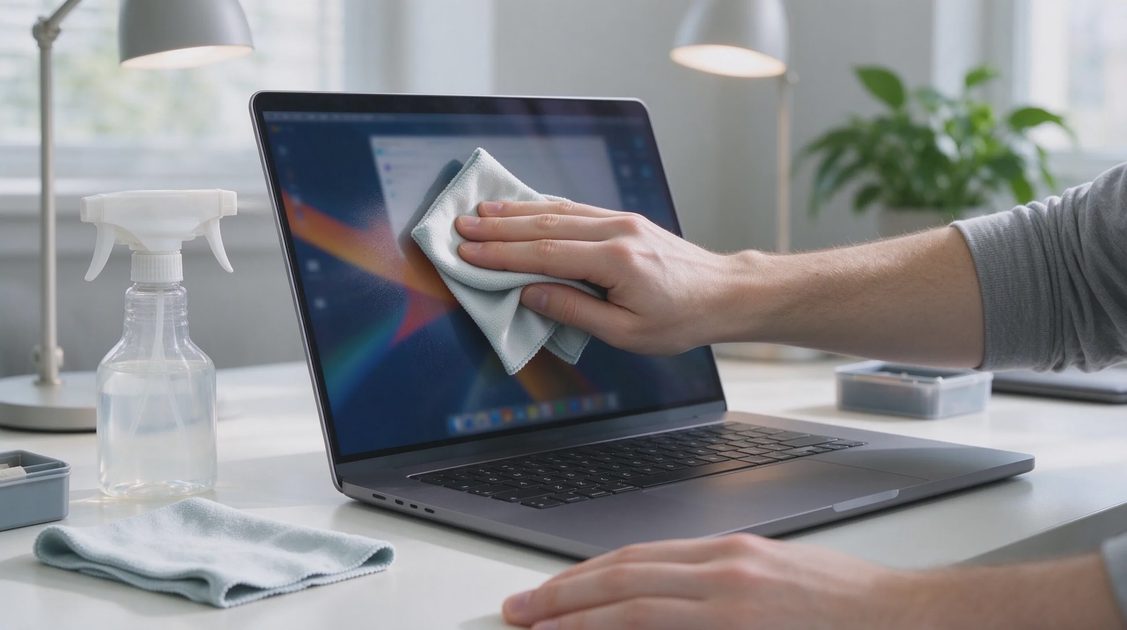
Cleaning the chassis requires zero specialized chemical solvents or aggressive polishing agents. Dampening a basic microfiber cloth with plain water removes ambient dust, coffee splashes, and light oils effortlessly without degrading the matte ceramic surface layer. Because there are no synthetic clear coats or rubberized soft-touch paints to degrade over time, the surface never becomes sticky or tacky after prolonged exposure to palm sweat.
From an environmental sustainability standpoint, the Plasma Electrolytic Oxidation process offers significant ecological benefits over traditional chemical anodizing and chrome plating. The electrolytic baths use neutral, non-toxic water-based solutions free from heavy metals, toxic acids, or volatile organic compounds (VOCs). Furthermore, because the resulting material remains 100% recyclable aluminum alloy at its core, worn chassis parts can be re-melted and reused at the end of their lifecycle.
Thermal Dissipation Behavior and Heat Management
How a chassis material handles thermal energy directly impacts system performance and cooling fan behavior. Metallic aluminum is an excellent conductor of heat, which helps pull thermal energy away from internal components but often leaves the laptop bottom uncomfortably hot on your lap. Conversely, pure plastics act as thermal insulators, trapping heat inside the chassis and forcing cooling fans to spin faster.
Ceraluminum strikes a practical middle ground in thermal performance. The underlying aluminum base continues to conduct heat away from internal heat pipes, while the thin ceramic oxide surface layer slightly dampens immediate surface heat transfer. This means the laptop bottom stays noticeably cooler against your legs during light productivity tasks compared to traditional all-metal enclosures that dump heat directly into your skin.
During heavy workloads—such as batch photo exporting or continuous local AI inference—the material allows passive heat radiation without creating extreme localized hot spots. The cooling fans operate efficiently because heat escapes evenly across the entire lower chassis surface rather than getting trapped inside. It is a subtle thermal advantage that enhances daily comfort without compromising component cooling.
The Bottom Line: Innovation or Marketing Gimmick?
After putting Ceraluminum hardware through rigorous testing in the workshop, the verdict is clear: this is a genuine material innovation rather than superficial marketing hype. By fusing the scratch resistance and tactile warmth of technical ceramics directly onto a lightweight, high-strength aluminum frame, ASUS has solved several real-world ownership annoyances that have plagued ultrabooks for years.
It eliminates ugly fingerprint smudges, resists key scratches inside travel bags, provides a secure matte grip, and remains comfortable against your hands during long typing sessions. While it carries a retail price premium over basic plastic or stamped aluminum laptops, the long-term durability and refined feel make it well worth the investment for mobile professionals.
The spec sheet highlights the chemical engineering behind Ceraluminum, but actual daily use proves its value. If you want a lightweight laptop that stays clean, resists cosmetic wear, and feels fantastic every time you open the lid, Ceraluminum delivers on its promises. It sets a impressive benchmark for modern laptop chassis design.

No signals yet — transmit the first.